Admins Only
As a super admin or admin, you can edit how the system auto-assigns users to product categories within VallenIQ. You can make auto-assignment changes on the fly and see the updates immediately within the system.
You can find the ‘Auto-Assignments’ page under the ‘Users’ section of the Settings page.
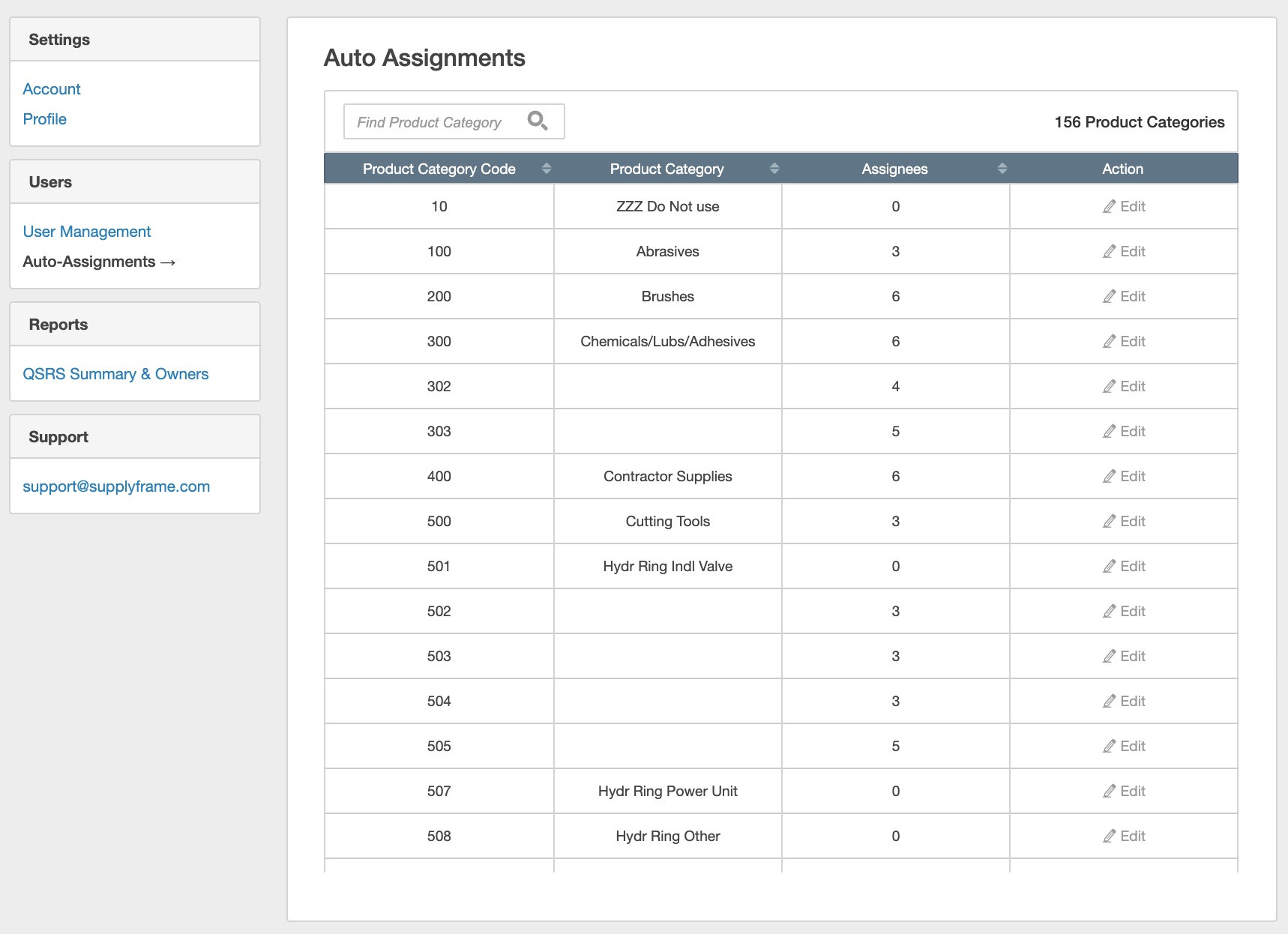
To make changes, select ‘Edit’ on product categories and in the ‘Configure Auto-Assignments’ modal. Update the priority in which the system will auto-assign line items when they are uploaded to VallenIQ. Then click 'Save' to finalize your changes.
