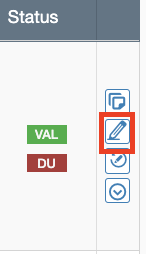
You can quickly add an internal or external comment to an item by clicking on the pencil icon at the end of that item's row.
Then select from the drop-down if it's an External Comment or an Internal Comment. Then enter your text and click Save.

It'll be present when you export it via the Custom Export.