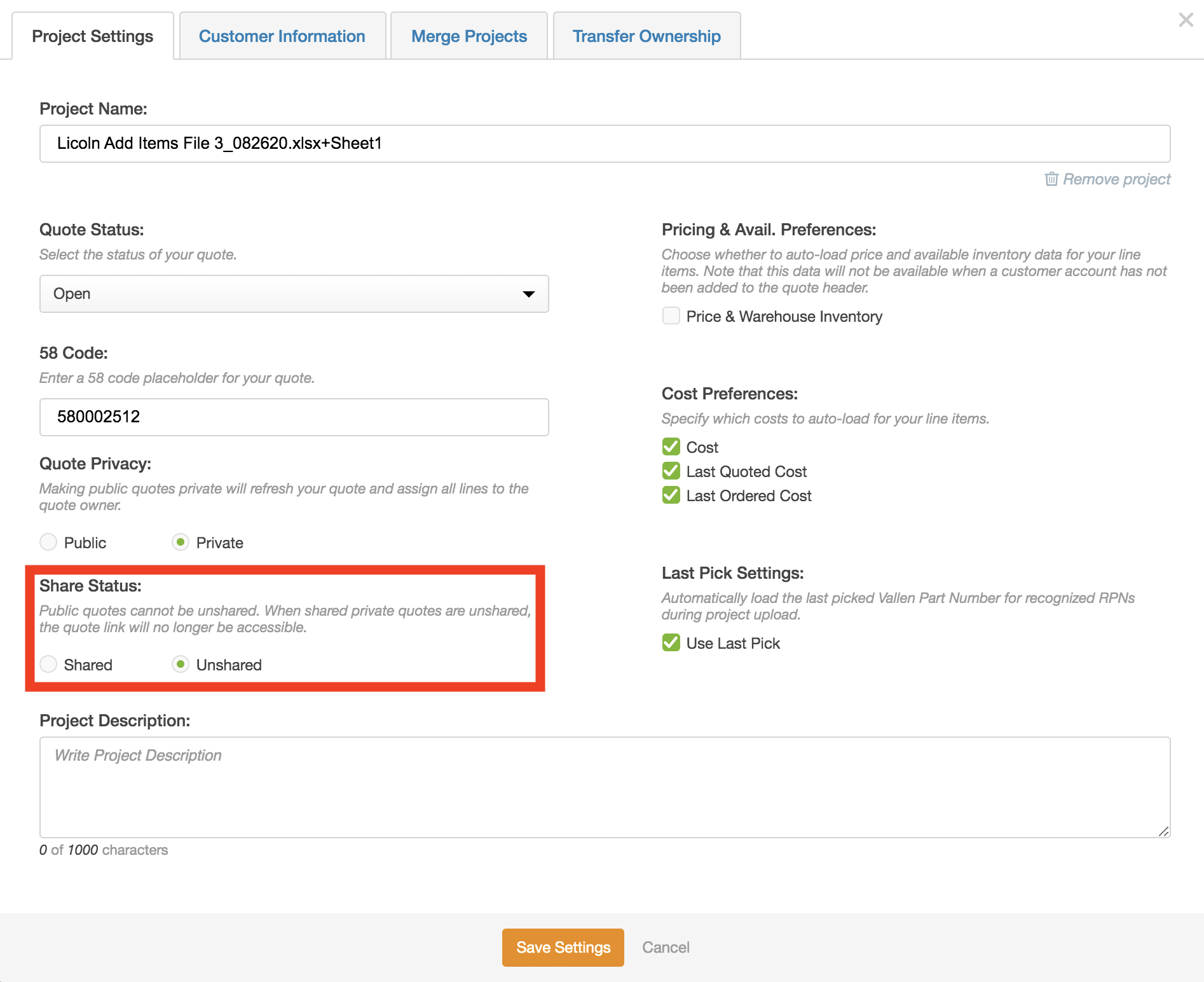
When you share private projects with other users, this feature will allow you to control whether recipients of the private project link can access and edit the project. The Share status of projects can be edited in the “Project Settings” modal in the section below:
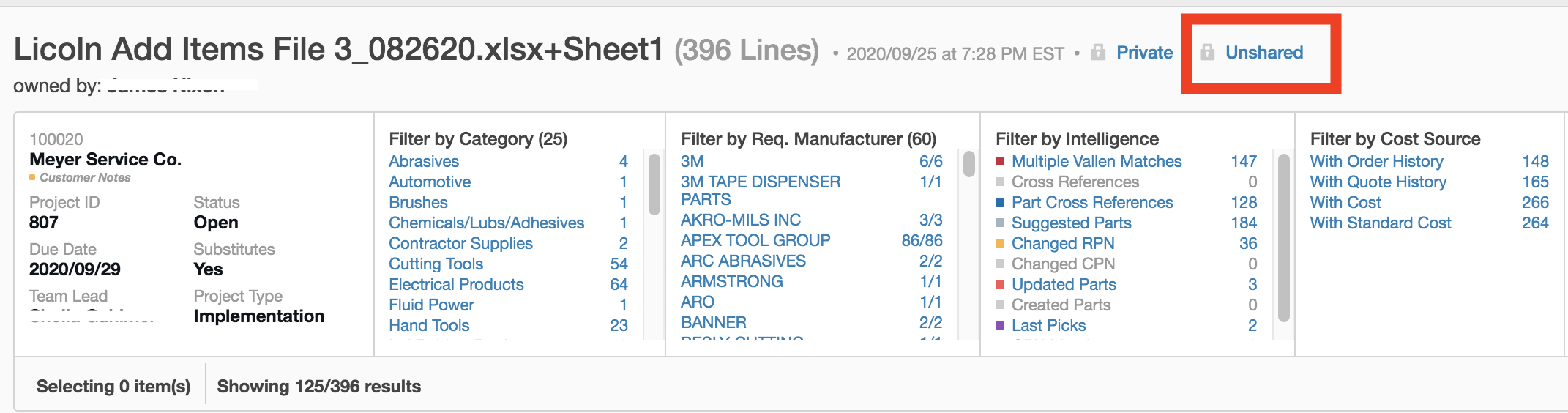
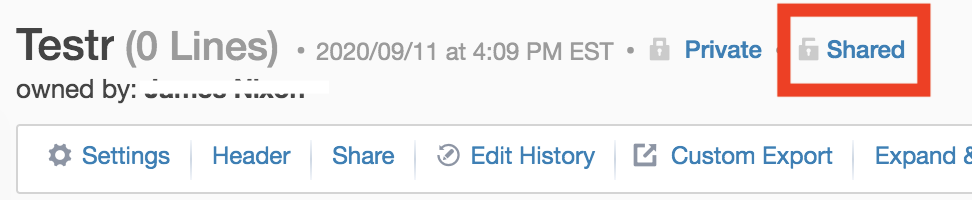
Additionally, the share status of projects will be shown to the right of the project name:
Public projects can be accessed by any user in the “Project Management” tab. However, to give access to private projects to another user, you should click into the “Share Project” modal:

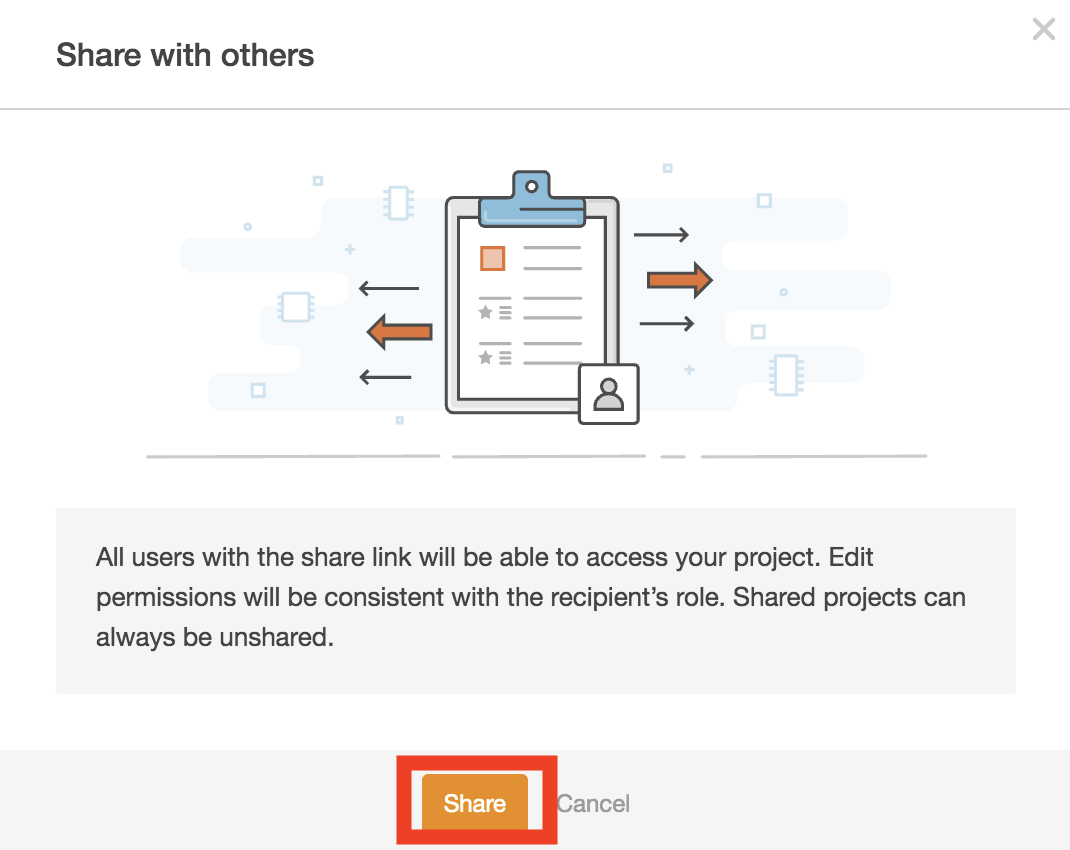
Then select the “Share” button:
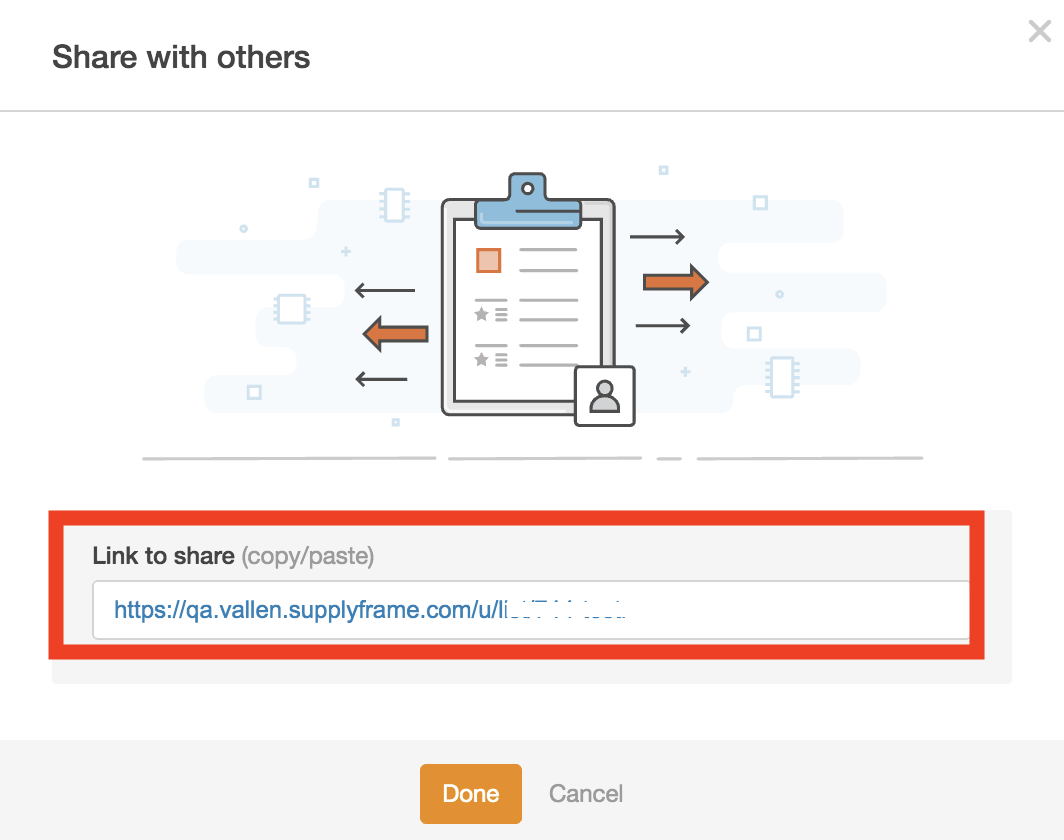
After the “Share” button is selected, the “Share with others” modal will contain a shareable link to the project:
Note that when “Share” is selected in the prior step, the system will automatically change the Share status of the project to “Shared:”
You should then send the project link to users who need to access the private project. When the recipient of the project link receives the URL, they should first ensure that they are logged into VallenIQ, then open the link in their browser.